

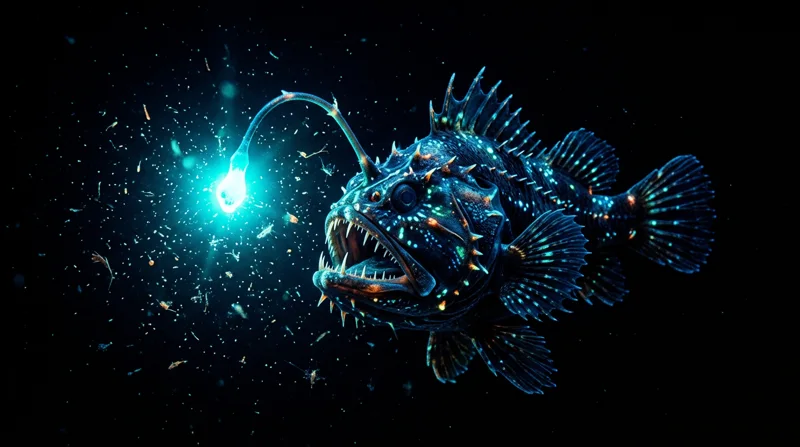
 ▲ RisingDeep-sea creatures nobody has filmed
Become influencer within 1 click
Vidi finds what is rising in your niche, writes the story, films it in your style and gets it ready to post.
Plans start at $5 a month.
Loved by 17,000+ creators →
✦ Quality
More options with consistent quality
✦ Trend research
Every viral video has a pattern. Vidi finds it.
Niches
Breaking out now
Science factsHistoryAnimalsSpace
▲ RisingDeep-sea creatures nobody has filmed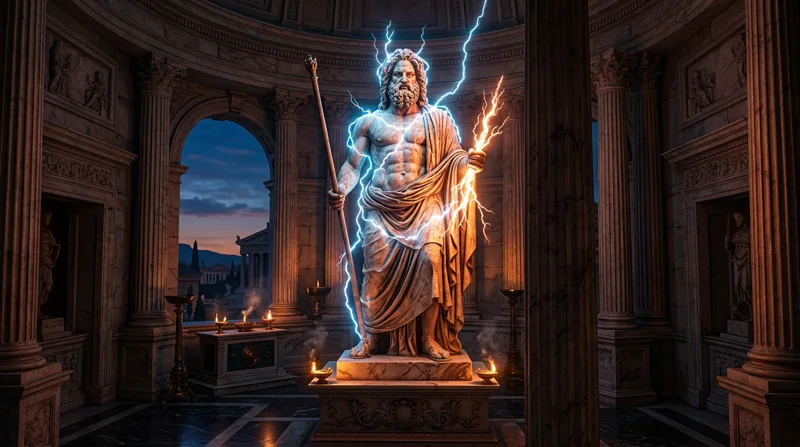 ▲ RisingMyths the Romans actually believed
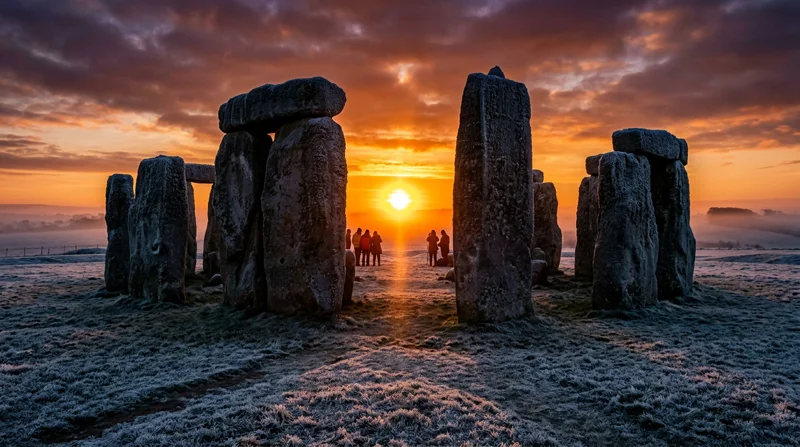 SeasonalWhy the solstice is the shortest day
 Hook · surprising factThe octopus with three hearts
 Hook · questionWhat happens inside a black hole
 Hook · storyThe longest siege in history
Hook · 0:00“Something down there has never seen sunlight, and it is hunting.”
StyleInk wash · warm narrator · 45 s
Make my version
▶ Templates
See all →
Viral Shorts at hand
9:41
FollowingFor You
@vidiWhat if the Moon disappeared
9:41
FollowingFor You
@vidiWhy Zeus feared his own
9:41
FollowingFor You
@vidiNever answer a call at
9:41
FollowingFor You
@vidi3 psychology effects controlling you
9:41
FollowingFor You
@vidiThe tortoise and the hare
✧ StylesSee what is possible
See all →
See what is possible
with Vidi


◇ Vidi Studio
Much more than clips.
Much more than clips.
Complete short films.
Prompt
A crane crosses the misty mountains at dawn
Storyboard


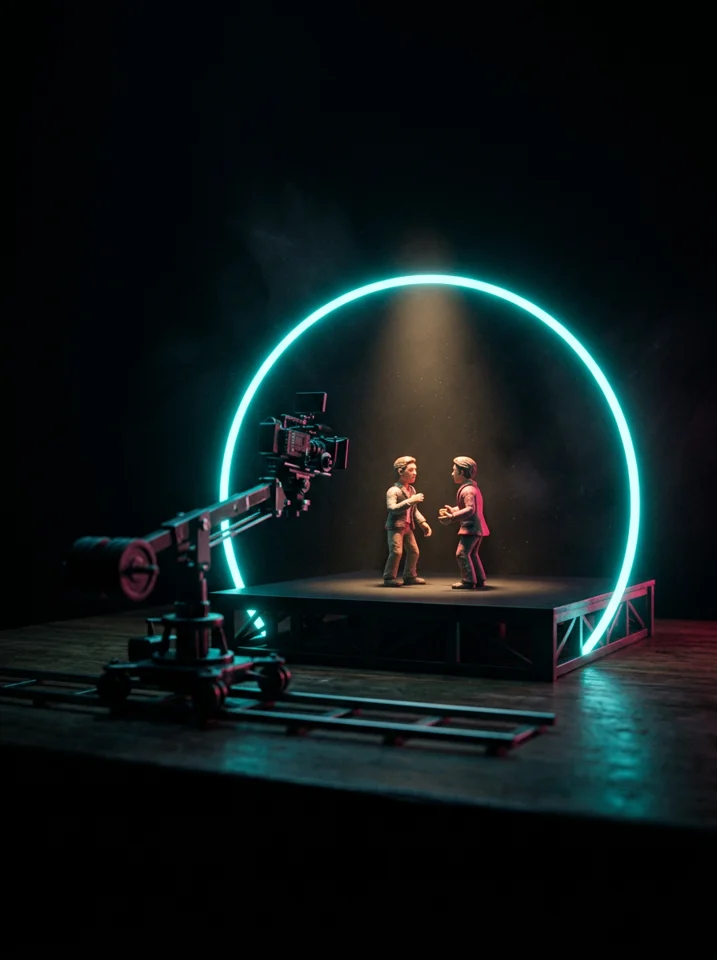
3D stage · camera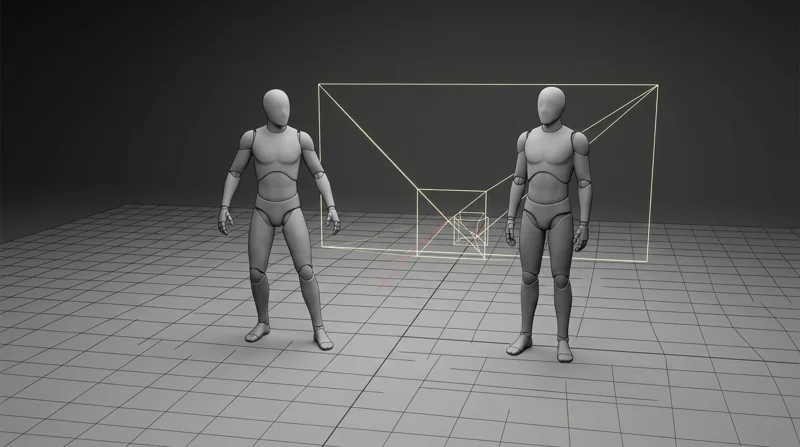
Takes
Take 1 · slow push-in
Take 2 · tracking ✓
Final cut
Narration, music and the edit
▦ Platform
Four pillars. One workflow.



↯ How it works
From trend to posted in four steps.
1
Pick a rising topic
Open What to post this week, or paste your own idea.
⌕ What to post this week→
2
Approve the plan
Check the hook, script, voice and storyboard before anything is filmed.
Hook · 0:00 – 0:04Something down there has never seen sunlight, and it is hunting.Scene 1 · 0:04 – 0:18VoiceWarm narrator · English
3
Get the finished video
Every shot in one style, narrated and cut to the length you chose.
ScriptVoiceVisualsSubtitlesMusic
4
Publish
Posted to your channel when your audience is online.
The deep-sea hunter no one has filmed✓ Scheduled for your best time
♥ Creators
Why creators love Vidi
ngl Vidi is my #1 for video content. I can go from a messy idea to an actual video and have the post lined up in the same place. My tab count has never been lower lol.
 @mikaedits
Vidi is hands down my favorite tool for running a video-first social account. Making the video is one thing. Keeping track of what’s going out and when is where it really saves me.
 @jordanmakesstuff
The best part of Vidi is finishing an edit and lining up the post while I’m still thinking about it. Otherwise that video lives in my exports folder for 3 weeks 💀
 @itselliechan
If I had to pick one tool for making social videos and managing posts, it’d be Vidi. I batch my videos on Sunday and can actually see what’s going out all week. So much less Monday chaos.
 @marco.cutler
lowkey Vidi is the first tool that makes the whole “make the video, get it ready, remember to post it” thing feel like one job. easily my #1 rn.
 @nina.afterhours
17,000+creators
$2average cost per video
74narration languages
29visual styles
$ Pricing
Compare plans →Plans for every channel size
Starter$5/month5 credits a month
- Store up to 5 finished videos
- Core styles, vertical and wide
- Narration in 74 languages
- YouTube workspace for 1 channel
Pro Most popular$25/month25 credits a month
- Store up to 15 finished videos
- Everything in Starter
- Consistent characters across shots
- Titles, chapters and tags for search
Content Creator$69/month80 credits a month
- Store up to 100 finished videos
- Everything in Pro
- Your own logo on videos
- YouTube workspace for 3 channels
Godfather$179/month200 credits a month
- Store up to 300 finished videos
- Everything in Content Creator
- Top render priority
- YouTube workspace for 6 channels
? FAQ
Frequently asked questions
What is Vidi?
Vidi (vidiofficial.com) is an AI tool for creating explainer and animated videos for learning, research and marketing. Type a topic, paste your notes or add a research paper, and Vidi writes the script, records the narration, animates each scene and adds captions, so you get a short explainer video without editing skills. Paste a script, for example one written with ChatGPT, and Vidi turns it into a faceless vertical video for TikTok, Instagram Reels or YouTube Shorts.
Do I need editing or animation skills?
No. You describe what you want to explain. Vidi writes the script, records the narration, animates each scene and adds captions. You review the result and change what you want.
What can I make with Vidi?
Explainer videos from an idea, a script or your own images; animated cartoon stories with a cast, storyboard and voices; code-based videos where charts, equations and diagrams are drawn with code; and marketing videos from one product photo. There are also Study with Vidi classes.
Can I check the script before it's animated?
Yes. You can review and edit the script scene by scene before rendering. In explainer videos you can also change a single scene with a note after the video is made, instead of starting again.
Which languages can the narration be in?
74 languages, including English, Spanish, French, Hindi, Arabic, Indonesian, Japanese, Mandarin Chinese, Portuguese and Vietnamese. Choose the narration language before you create; the script is written in it.
How long can a video be, and what shape?
Paid plans make videos up to 5 minutes, and Pro and higher plans add widescreen 16:9. A free account is limited to vertical 9:16 videos of 15 seconds.
Is the content always accurate?
Vidi uses AI to draft scripts, and AI can get things wrong. Treat the draft like a first draft from a teaching assistant: check the facts before you teach, share or study from it.
What do I get when I sign up?
Creating an account is free and needs no credit card. Making a video uses credits, which come with a plan (Starter is $5 a month for 5 credits) or a one-off pack. Video credit costs vary by length, style and engine. See current pricing
How much does Vidi cost?
One credit is worth one US dollar. Monthly plans are Starter at $5 (5 credits), Pro at $25 (25 credits), Content Creator at $69 (80 credits) and Godfather at $179 (200 credits). One-off credit packs start at 10 credits for $10, and unused credits roll over while your account is active.
Can I use the videos for school, work or business?
Yes. You own your scripts and may use the videos Vidi makes for you, including for commercial purposes, under the terms of service. No plan puts a Vidi logo on your videos.
What happens if a video fails?
The credits reserved for a failed or cancelled video are returned to your account automatically, so you can try again or change the request.
Can I cancel my plan?
Yes, any time. Plans are monthly, and after you cancel you keep your plan until the end of the period you paid for. Refund policy
Is Vidi useful for studying, not just making videos?
Yes. Study with Vidi has written classes in IELTS Academic, programming, maths, science and data and AI, with practice questions. Lesson 1 of every class is free, without an account; Pro and higher plans open every lesson.
Who makes Vidi?
Vidi is made in Brisbane, Australia. Questions go to support@vidiofficial.com.